Media Center & Video Player

The media center for everything you already have

Your Usenet provider, your Plex, Emby and Jellyfin servers, the shares on your NAS and your own files: discover, organize and play them all in one app, with a player that handles everything.

Usetopia includes no movies or shows, and it does not sell or point to any. You bring your own content. Coming soon to the App Store, Google Play, the Microsoft Store and Flathub.
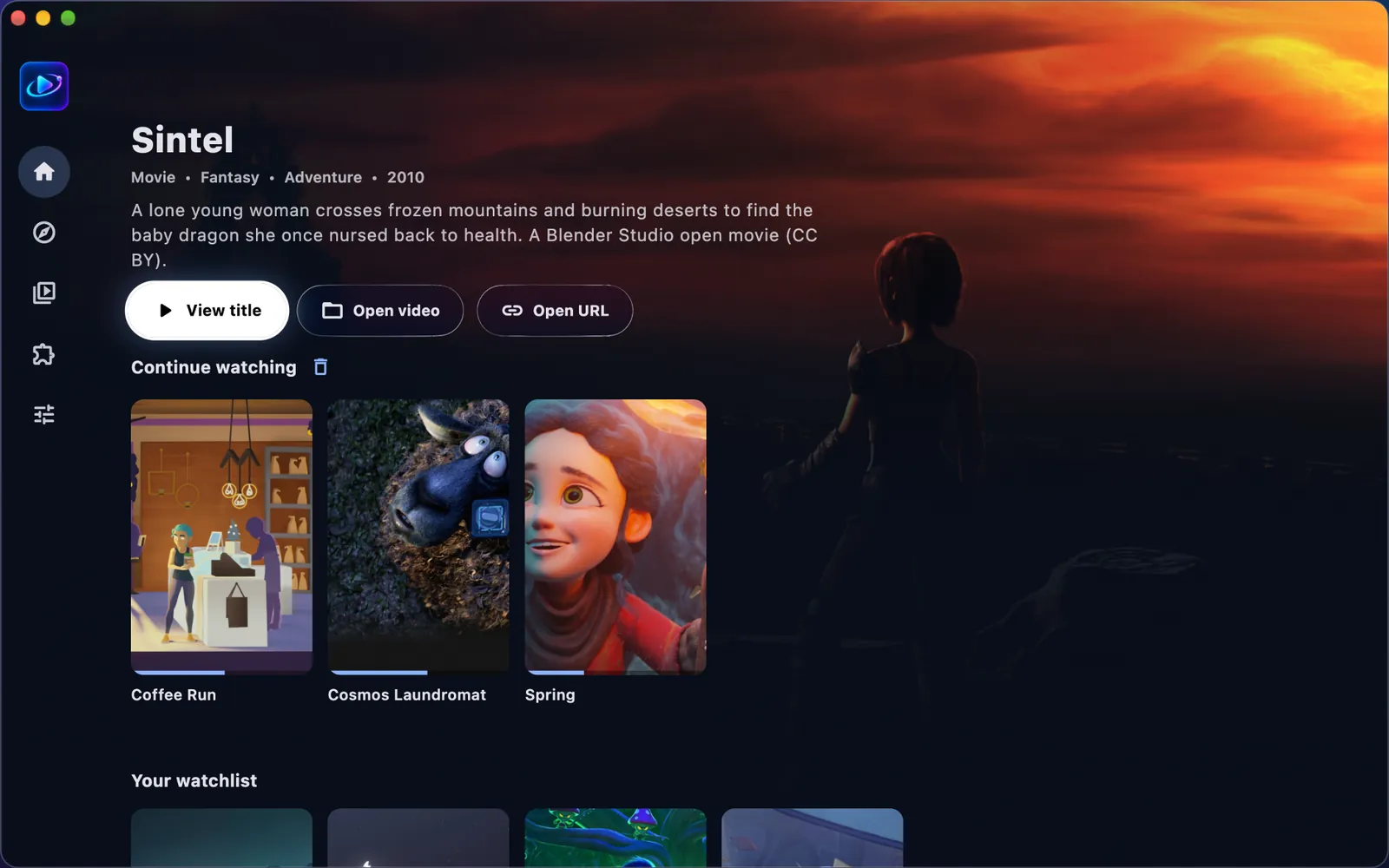
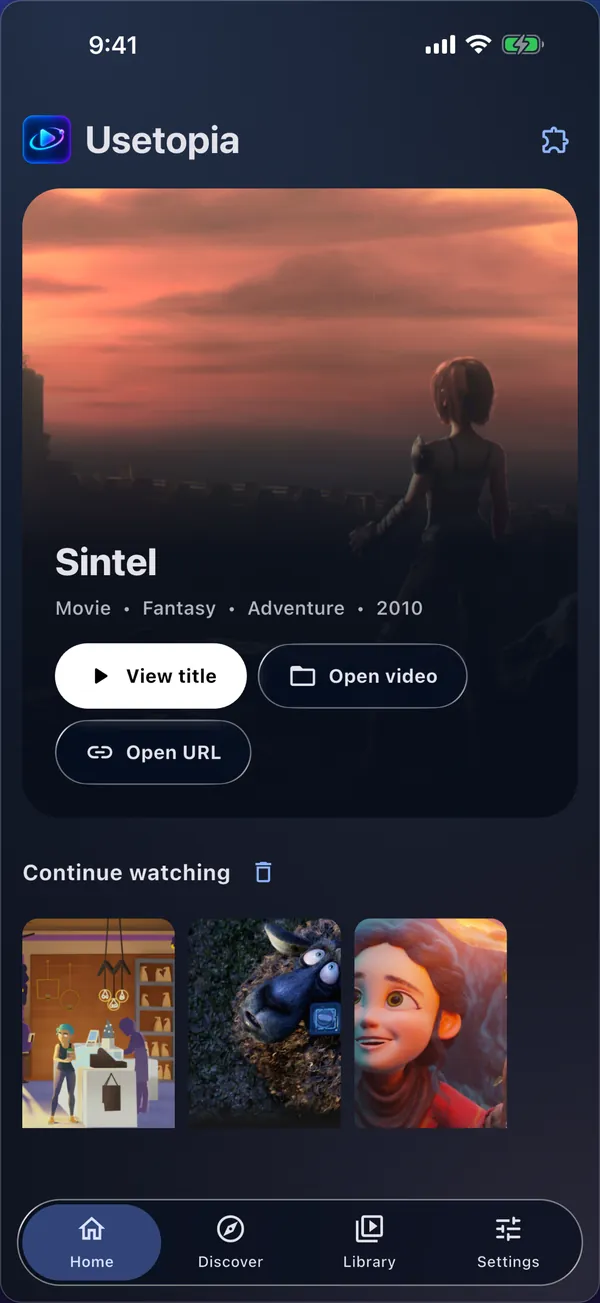
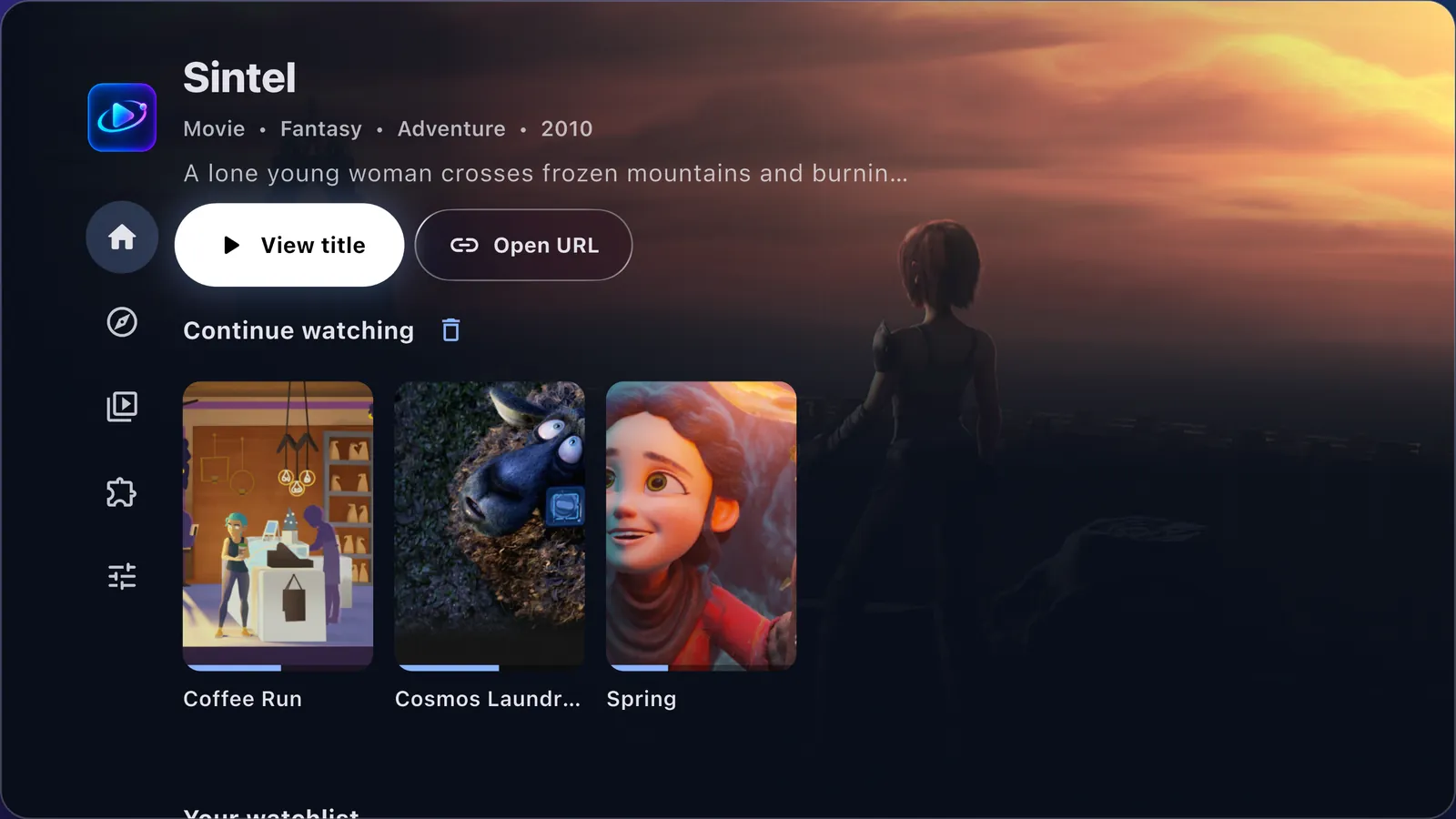
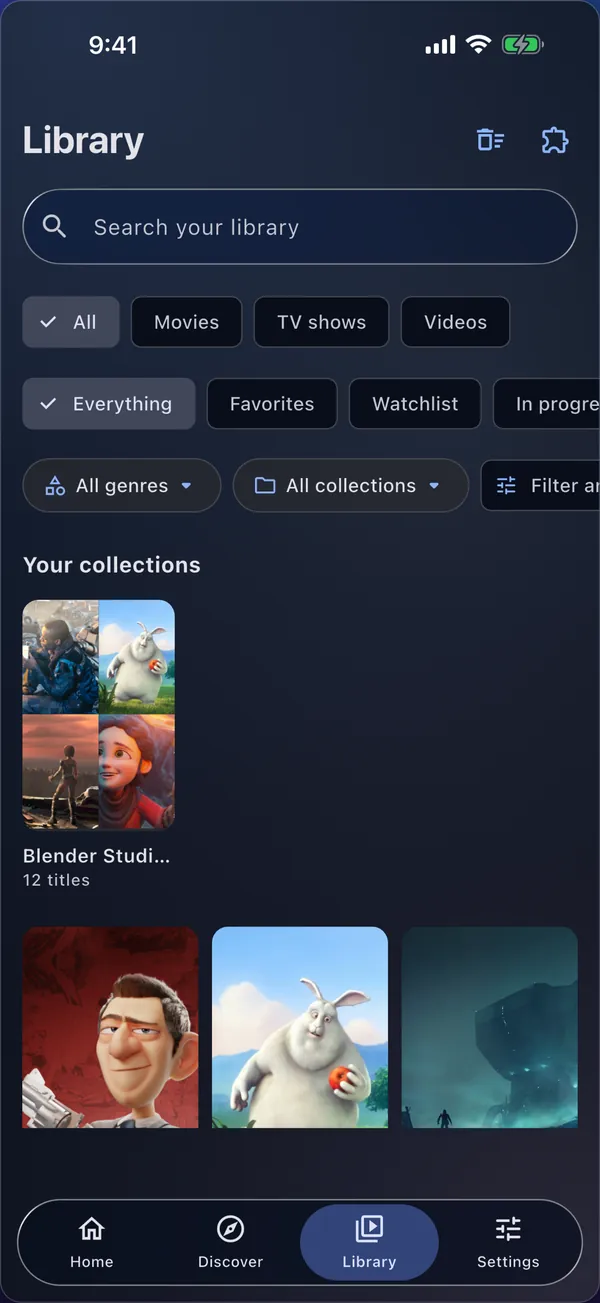
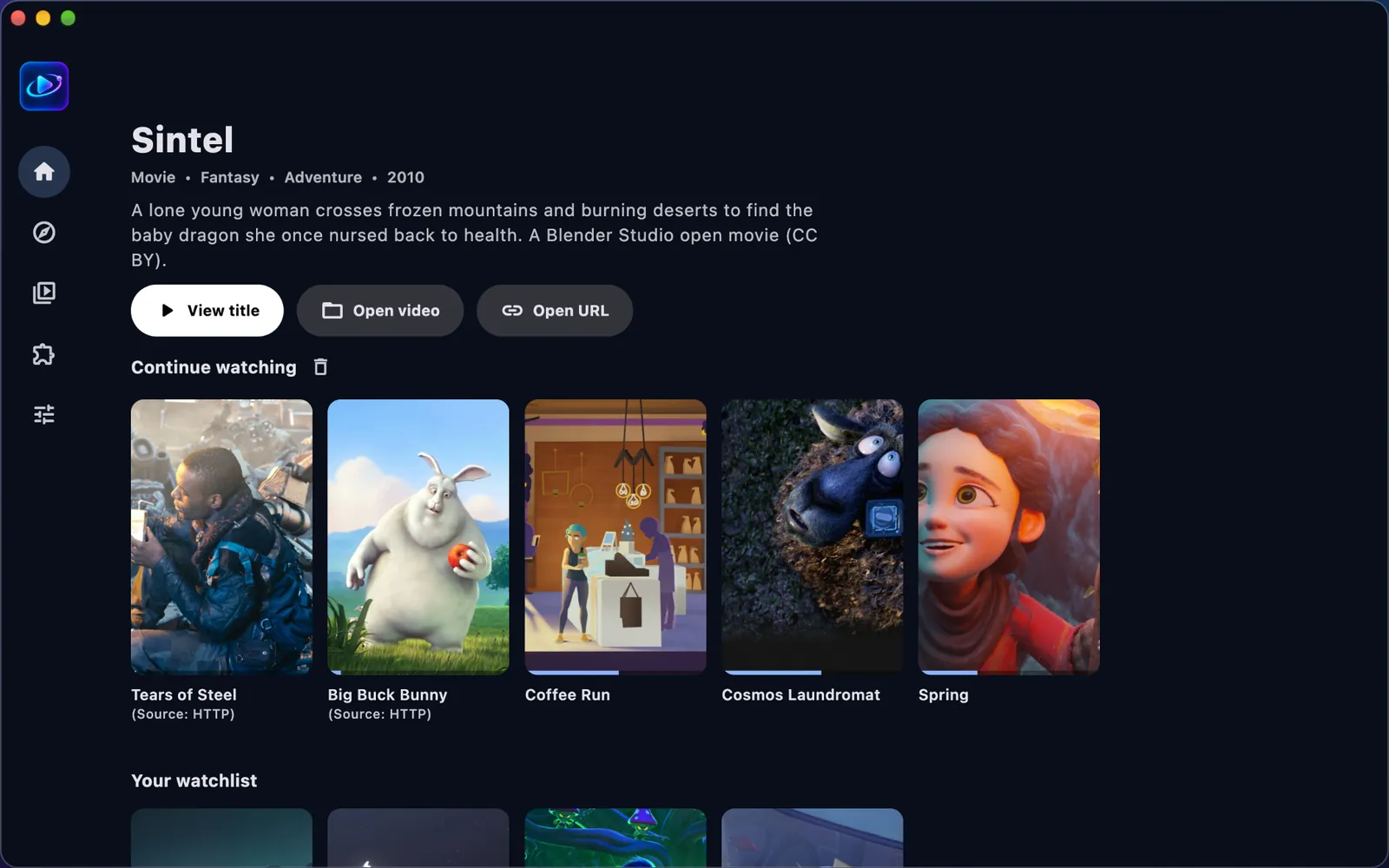
Usetopia's Home on a Mac: Sintel's artwork with View title, Open video and Open URL buttons above the Continue watching row. The same Home screen on an iPhone.

Screens from the app, showing Blender Studio's open movies (CC BY). Film credits

Works with what you already have

  • {{ s }}

Discover

Discover what to watch

Find any movie or show and see everything about it before you press play.

  • {{ t }}
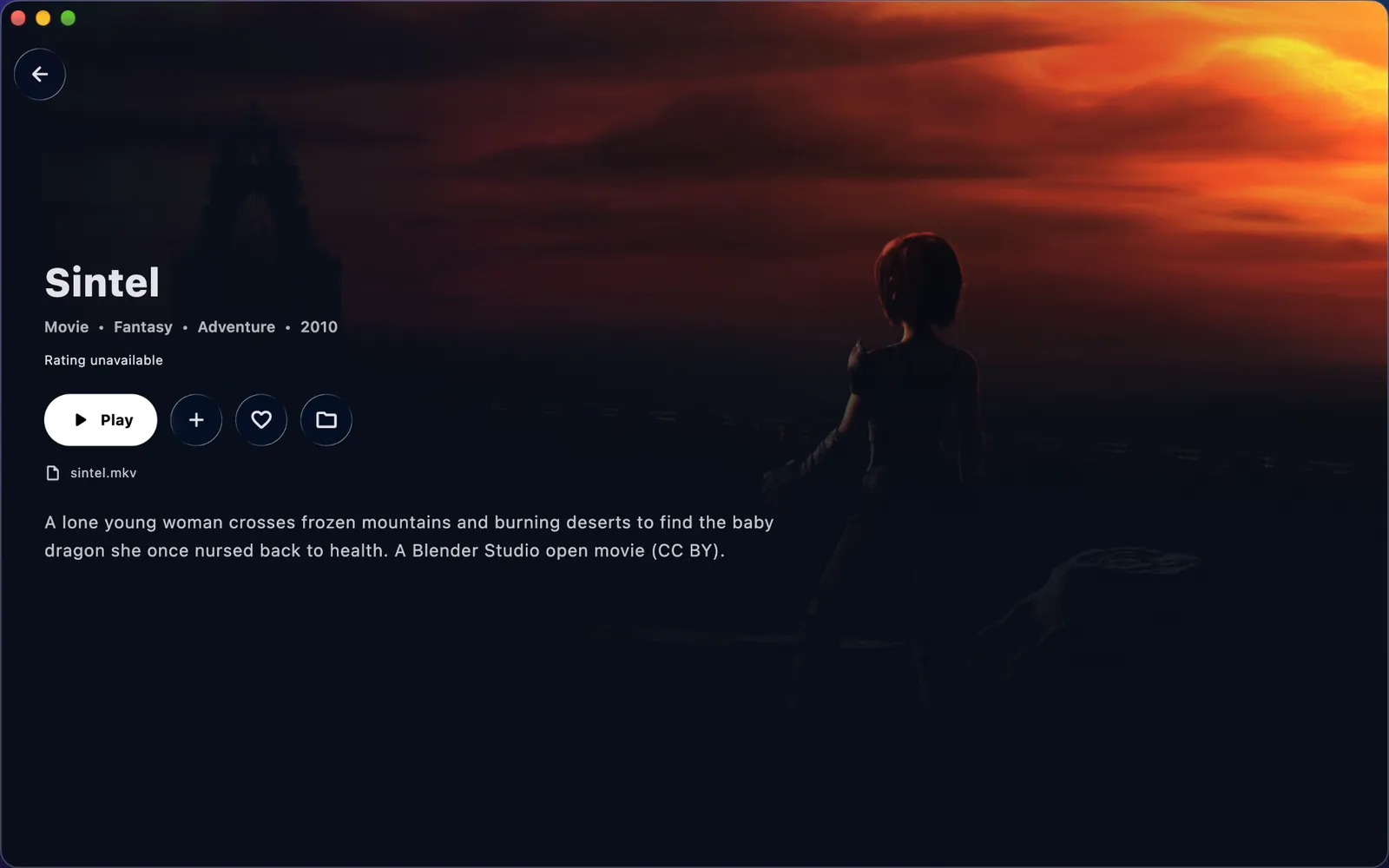
Sintel's title page: genres, year, a Play button and the story.

Libraries

All your libraries in one place

Connect Plex, Emby and Jellyfin servers, WebDAV, and SFTP, FTP, SMB or NFS shares on your NAS or computer. Browse them in Library and play them in the same player, with resume.

  • {{ c }}
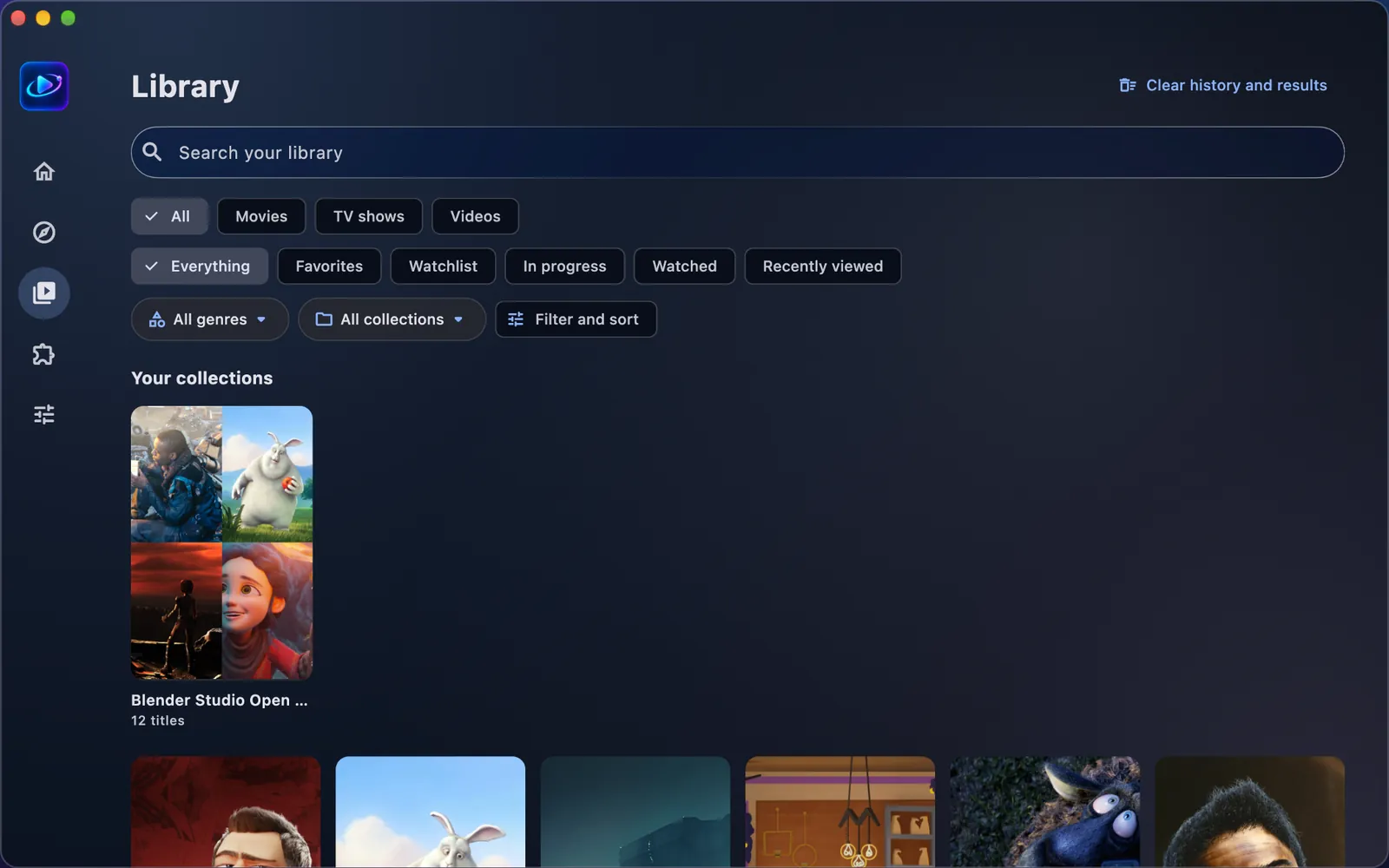
Library: a search field, filters for movies, TV shows, videos, favorites and watchlist, and a collection of twelve titles.

Everywhere

Your library, everywhere

Pick up where you left off on any screen, with a profile for everyone at home.

  • {{ t }}
Home on Apple TV with the Continue watching row. Library on an iPhone.

Player

A player that handles everything

From 4K and HDR to lossless multichannel audio, with subtitles and picture exactly the way you like them.
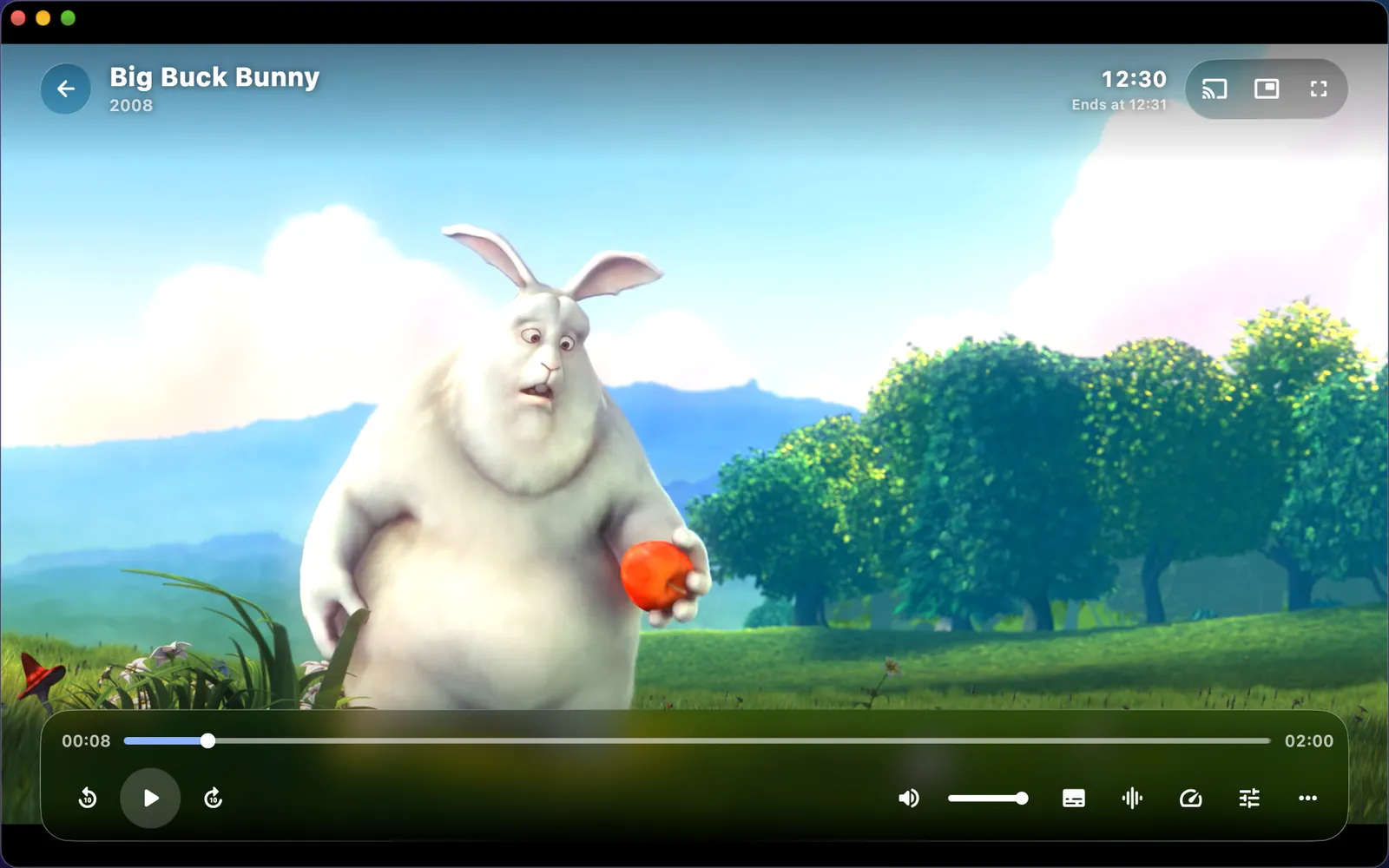
Big Buck Bunny paused in the player, with the timeline and playback controls.
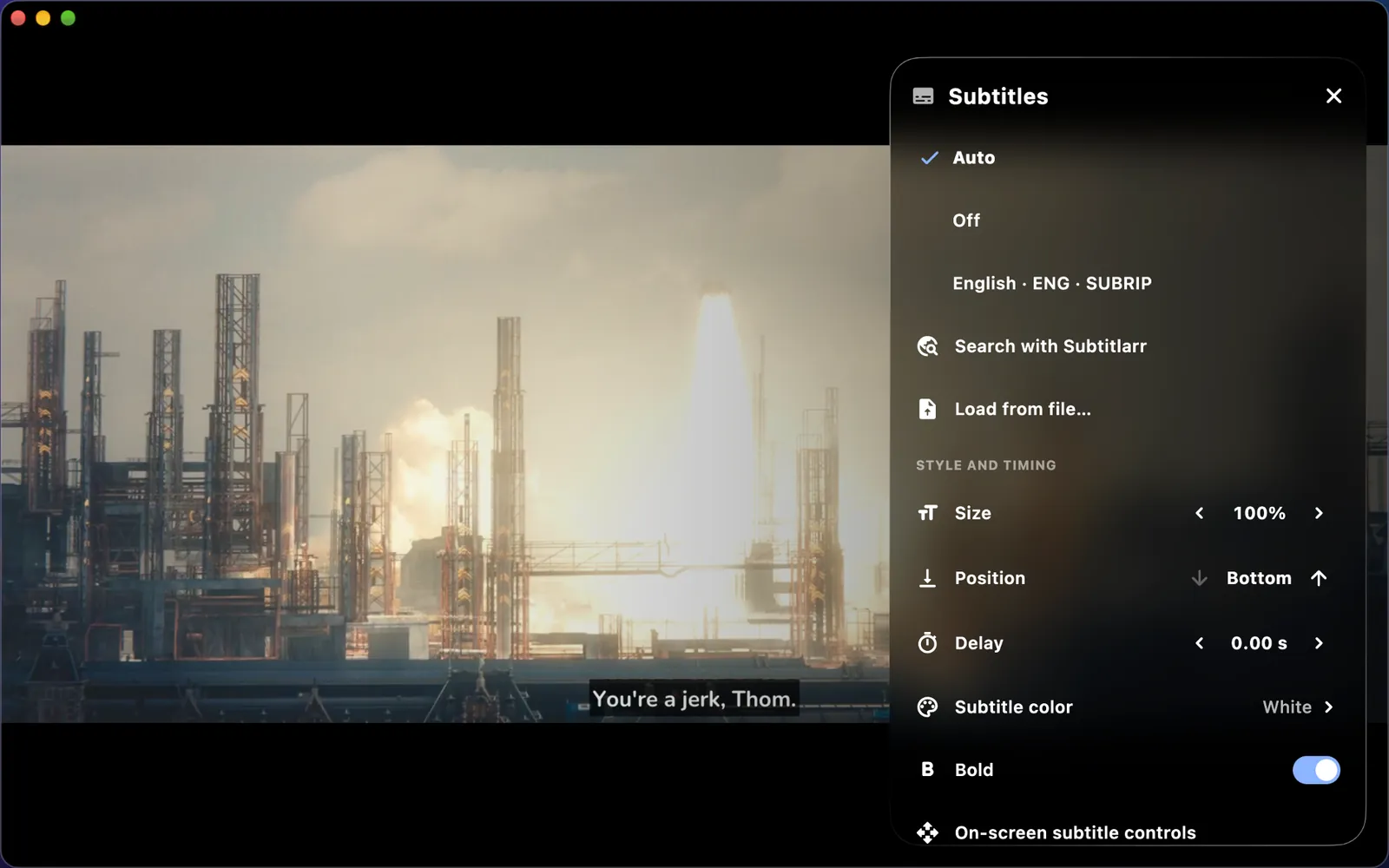
Tears of Steel with the subtitle menu open: tracks, subtitle search, size, position, timing and style.
Subtitles your way. Nine fonts, outlines and boxes, size and timing, plus subtitle search right in the player.
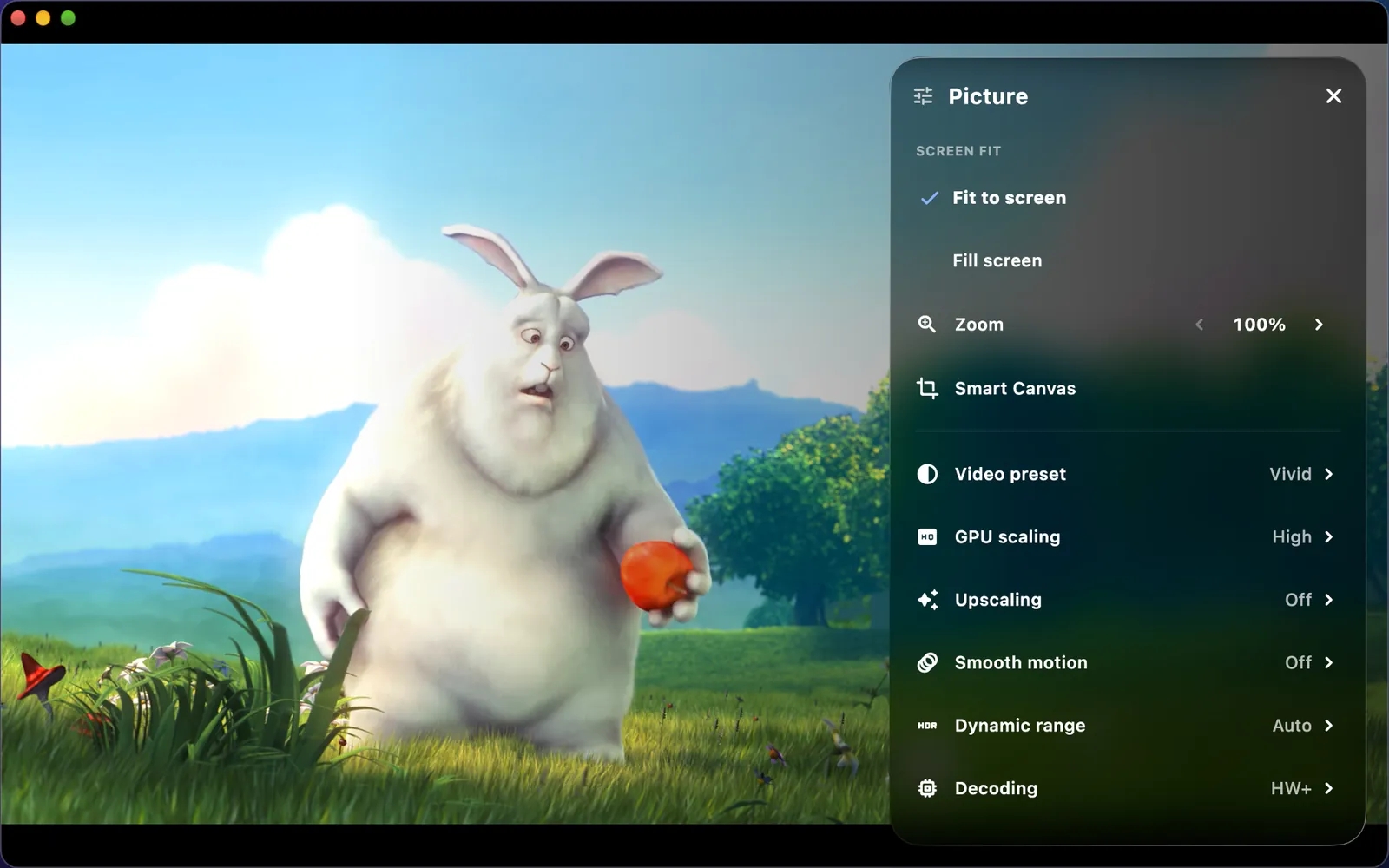
The Picture menu over Big Buck Bunny: video preset, GPU scaling, upscaling and dynamic range.
Fine-tune the picture. Video presets, GPU scaling and, on supported devices, optional AI upscaling.

{{ f.title }}

{{ f.body }}

Usenet

Play from Usenet, no download queue

Usetopia plays NZB releases straight from your own Usenet provider, right on your device. Playback starts while the data arrives and you can seek anywhere, without downloading the whole release first.

  • {{ t }}
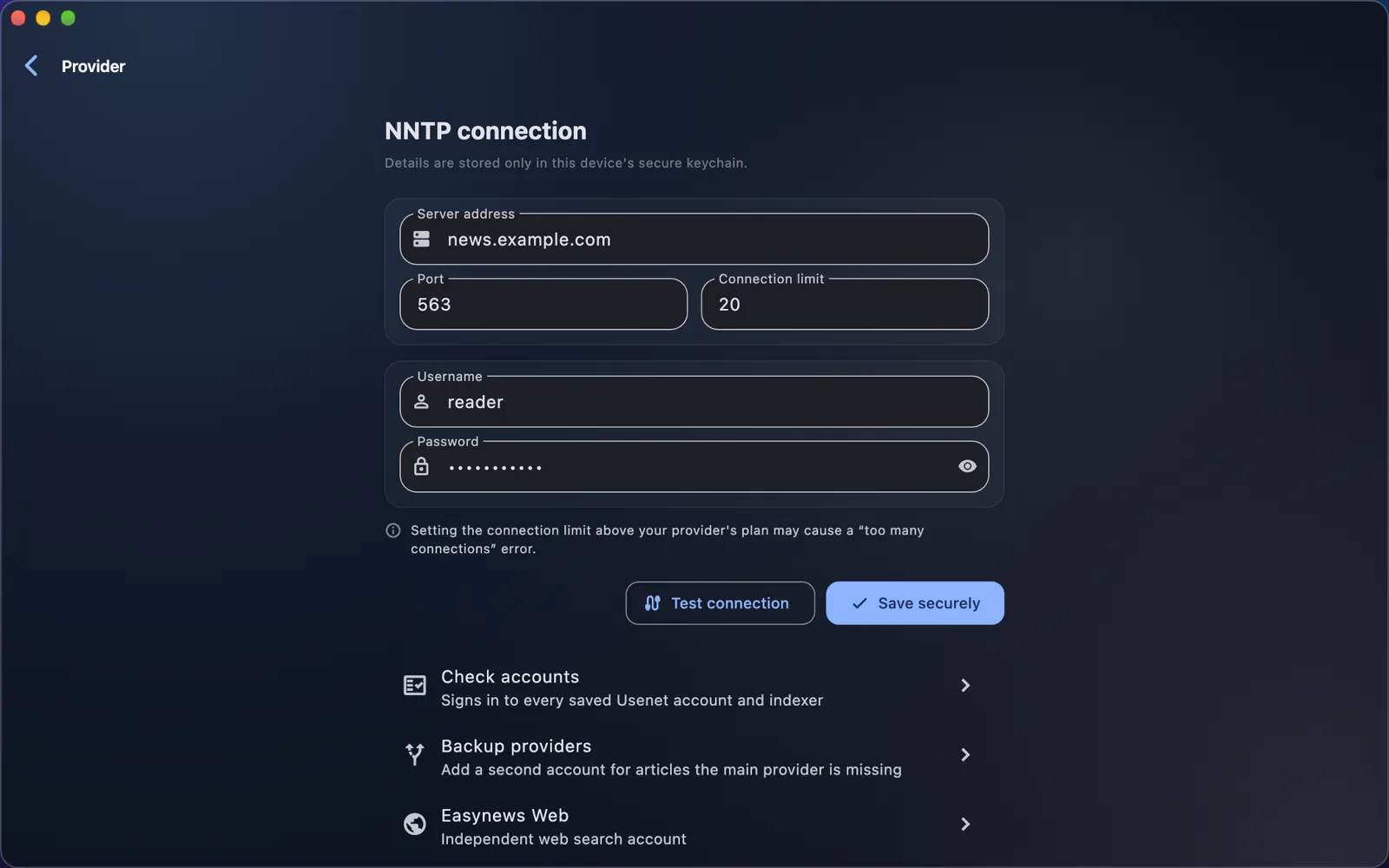
Usenet provider settings with an example server, port, connection limit, username and a masked password kept in the device's secure keychain.

Every screen

Feels at home on every screen

Apps for iPhone, iPad, Mac, Apple TV, Android phones and tablets, Android TV, Windows and Linux.

  • {{ t }}
Home in the minimal Light style, with the Continue watching and watchlist rows.

Speaks your language

  • {{ l.name }}

Free and Premium

Free to start, Premium when you want more

Start with your own files, no account needed. Premium needs a free Usetopia account and follows it on every device you sign in to.

Free

No account needed

Install it and start playing your own files.

  • Your own files and web links
  • Search and title details
  • Library, progress and profiles
  • The player, styles, languages and accessibility settings
  • A free Usetopia account (email and password) adds end-to-end encrypted sync across your devices

Premium

$2.99 a month · $19.99 a year · $49.99 lifetime

Prices in US dollars. The App Store and Google Play show your local price and any tax.

  • {{ t }}

Buy it in the iPhone, iPad, Mac, Apple TV or Android app through the App Store or Google Play; it also works on Windows and Linux. Cancel anytime where you subscribed; refunds follow the Terms of Use.

Free trial

Try Premium free for 30 days

Where the app offers it, new accounts can try Premium free for 30 days, once per account and once per device. No payment details, nothing is charged, and it ends by itself. Then choose monthly, yearly or a one-time lifetime purchase.

Get Usetopia

Only from the stores

Usetopia will be available only through these stores; there are no direct downloads. Start without an account with your own files and web links; Usenet, media servers and shares come with Premium on a free Usetopia account.

{{ d.name }}
{{ d.meta }}
Coming soon